Free Printable Color Printer Test Pages
Color printer test pages are essential tools for checking your printer’s color accuracy, print quality, and overall performance. Whether you are printing photos, graphics, or professional documents, a color test page helps you quickly identify issues like faded colors, streaks, banding, or incorrect color balance.
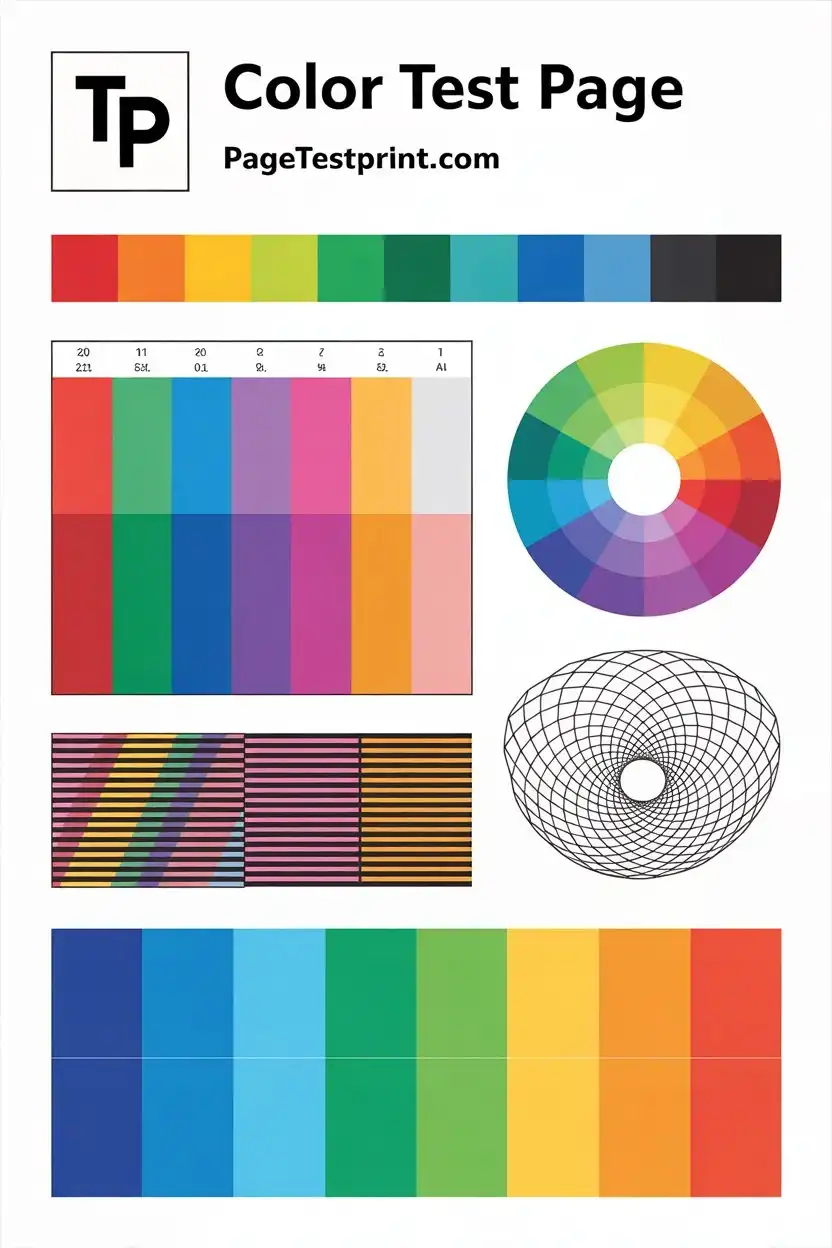
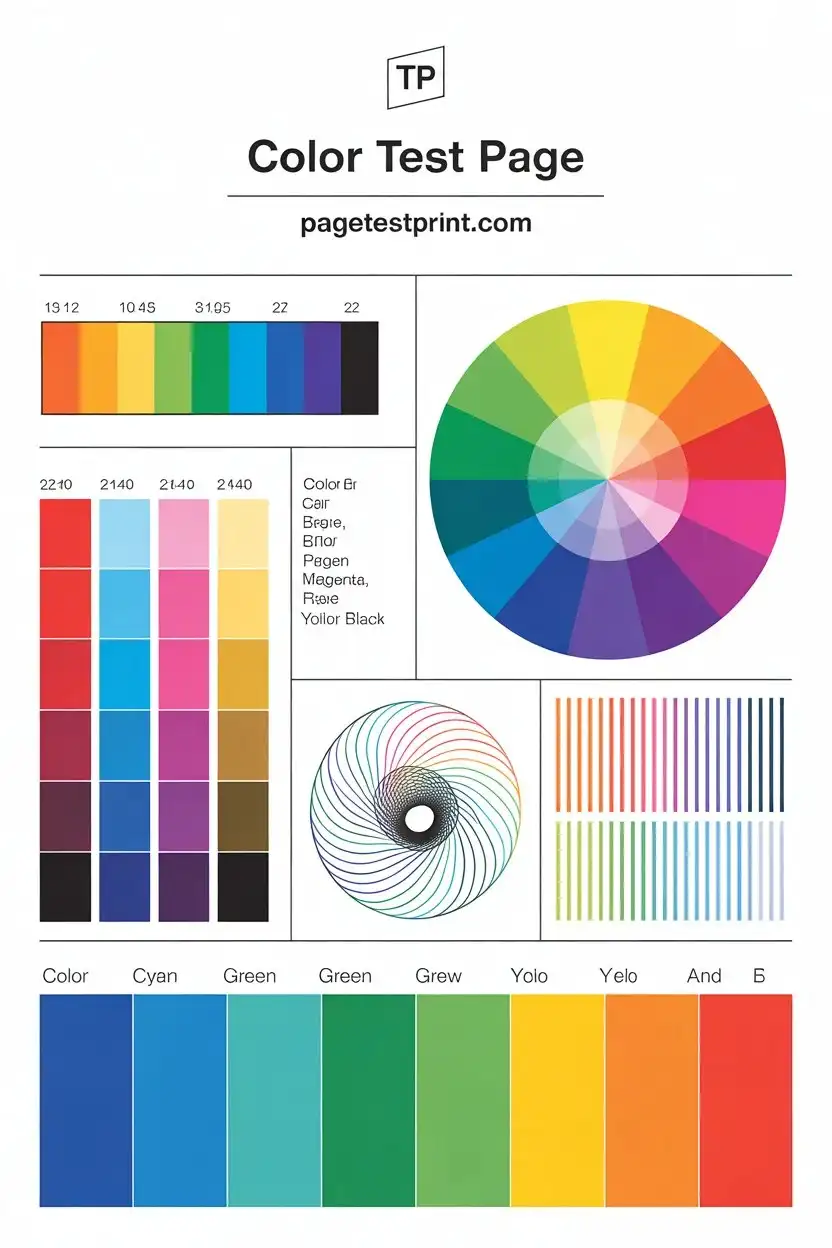
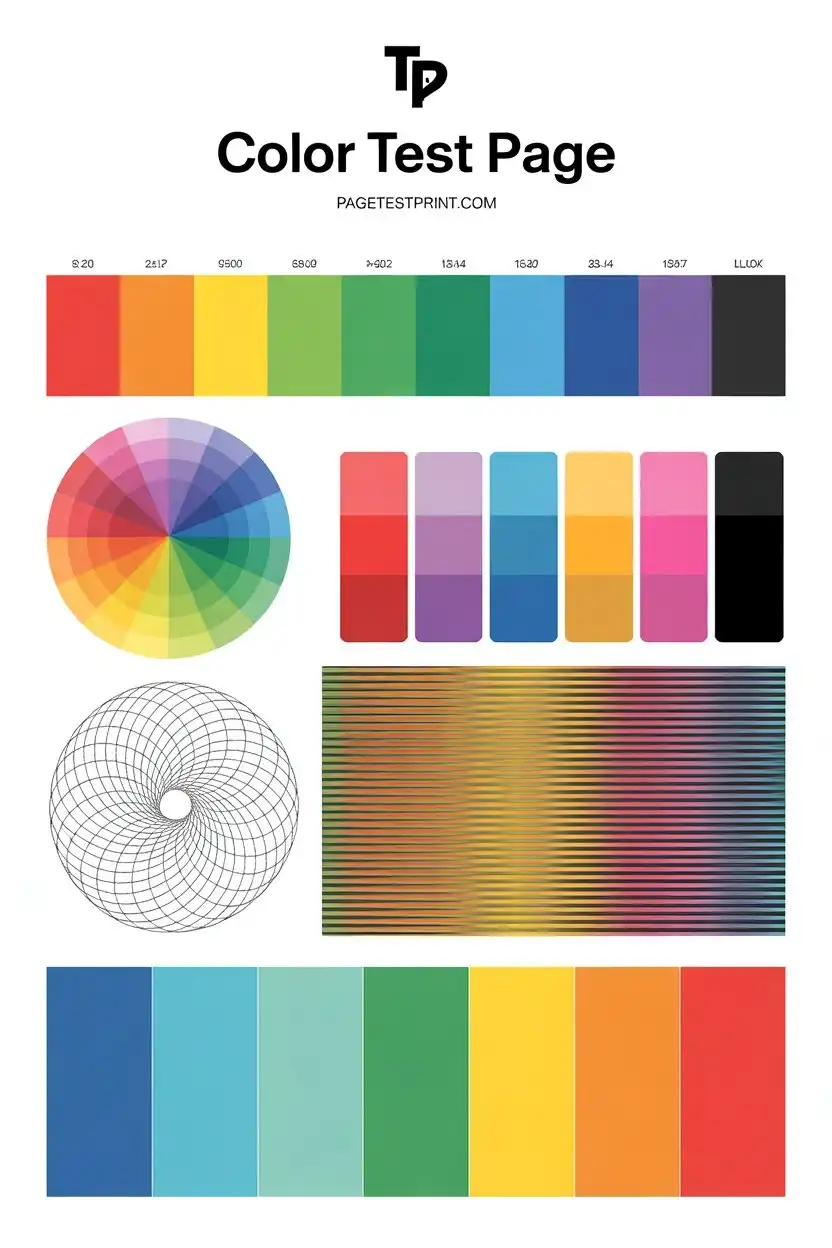
If your prints do not look as expected, using a proper color printer test page can save time, ink, and frustration by pinpointing the exact problem. You can also explore our printer troubleshooting guides for detailed fixes and maintenance solutions.
What Is a Color Printer Test Page
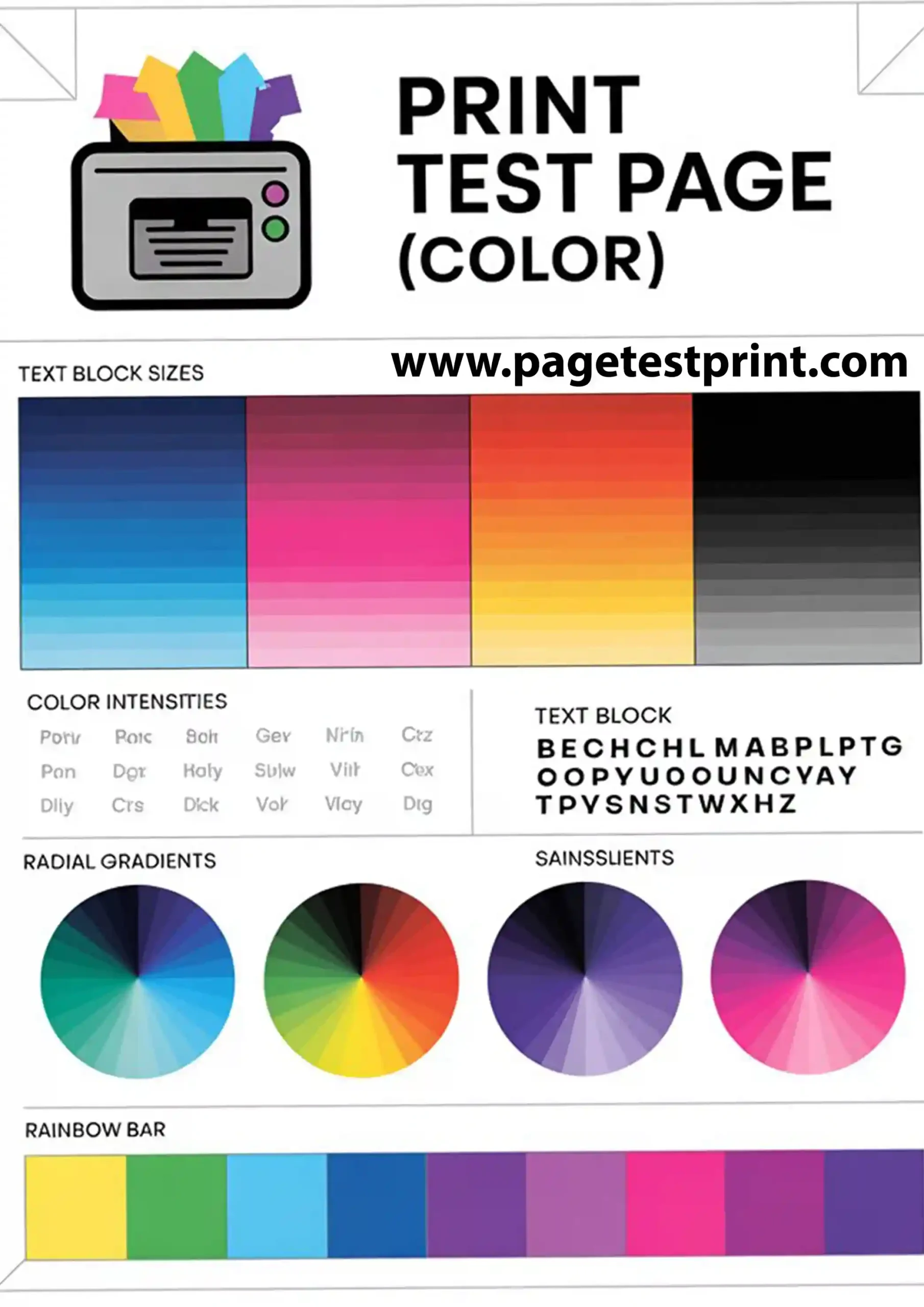
A color page is a specially designed print that includes multiple color elements to evaluate how well your printer reproduces colors. It usually contains CMYK color bars, gradients, color blocks, fine details, and sometimes image samples. These elements help you test both color accuracy and print consistency in real-world conditions.
Why You Should Use a Color Test Page
Printing a color test page is one of the best ways to maintain high-quality prints and avoid unexpected issues.
It helps you check color accuracy, detect missing colors, fix streaks and banding, test new cartridges, and improve overall print performance. This is especially important for users who print images, designs, or marketing materials.
When Should You Print a Color Test Page
You should print a color test page when colors look faded or incorrect, images appear dull, lines or streaks show up, or after installing new ink or toner cartridges.
It is also recommended to print a test page before any important print job to ensure everything is working perfectly.
What to Look for on a Color Test Page
After printing, carefully examine each section to understand your printer’s condition.
CMYK Color Bars Each color should appear solid, vibrant, and consistent without any gaps or missing sections. If a color is missing or faded, it usually indicates a cartridge or nozzle issue.
Gradient Transitions Colors should blend smoothly from light to dark without visible lines or breaks. Banding or harsh transitions may indicate clogged nozzles or alignment problems.
Color Balance No single color should dominate the output. If prints look too blue, red, or green, your printer may need color calibration or settings adjustment.
Sharp Details Fine text and lines should be crisp and clear. Blurry or double edges often point to alignment issues or incorrect print settings.
Uniform Output The entire page should print evenly with no streaks, smudges, or patchy areas. Uneven output may indicate dirty print heads or inconsistent ink flow.
Common Color Printing Problems and Fixes
- Missing colors are usually caused by empty or clogged cartridges and can be fixed by replacing ink or running a cleaning cycle.
- Faded colors often result from low ink levels or incorrect settings, so checking ink and increasing print quality can solve the issue.
- Banding or lines appear due to clogged nozzles or alignment problems and can be fixed with cleaning and alignment tools.
- Incorrect colors are typically caused by wrong color profiles or driver settings, which can be resolved by resetting or calibrating the printer.
How to Print a Color Printer Test Page
You can print a test page using your system settings or printer software.
On Windows, open Control Panel, go to Devices and Printers, right-click your printer, select Printer Properties, and click Print Test Page.
You can also use your printer’s maintenance or utility software to print a color test page directly.
For more accurate results, you can download a high-quality printable test page.
Color Test Page vs CMYK Test Page
A color test page checks overall color performance and quality, while a CMYK test page focuses specifically on testing individual color channels.
Using both gives you a complete understanding of your printer’s performance and helps diagnose issues more effectively.
Tips to Improve Color Printing Quality
Use high-quality paper, keep your printer drivers updated, perform regular maintenance, and always use reliable ink or toner cartridges.
Avoid draft mode when printing important documents, as it reduces color accuracy and quality.
Final Thoughts
Color printer test pages are one of the easiest ways to maintain excellent print quality and ensure accurate color output. They help you identify problems early, reduce printing errors, and keep your printer running efficiently.
By regularly printing and analyzing test pages, you can achieve consistent and professional results every time.